Table of Contents
Hello Everyone! Today I’m going to talk about how can you create a stylish hero header in your blogger. So Let’s Read This Post Carefully. Because in this post I will create a stylish, responsive header using JavaScript. So you need to put this script carefully where I have said below. Otherwise it can be give some errors or problem to you. So let’s start to know how can you create a stylish & responsive hero header in your blogger homepage.
|
| How To Create A Stylish & Responsive Hero Header In Blogger? |
If you want to give good look to your blogger homepage then I will recommend you to must add this stylish & responsive header in your blogger. Because this will give a professional look to your blogger like WordPress. This is a responsive header so that it will good look in all of devices. So I have decided to share this script with all of you so that you can make your blogger website as professional.
Nowadays all of WordPress users creating this hero header in her website because this is attractive hero header. so you can also add this hero header in your blogger website in just a few minutes as I have told below.
What Is Hero Header?
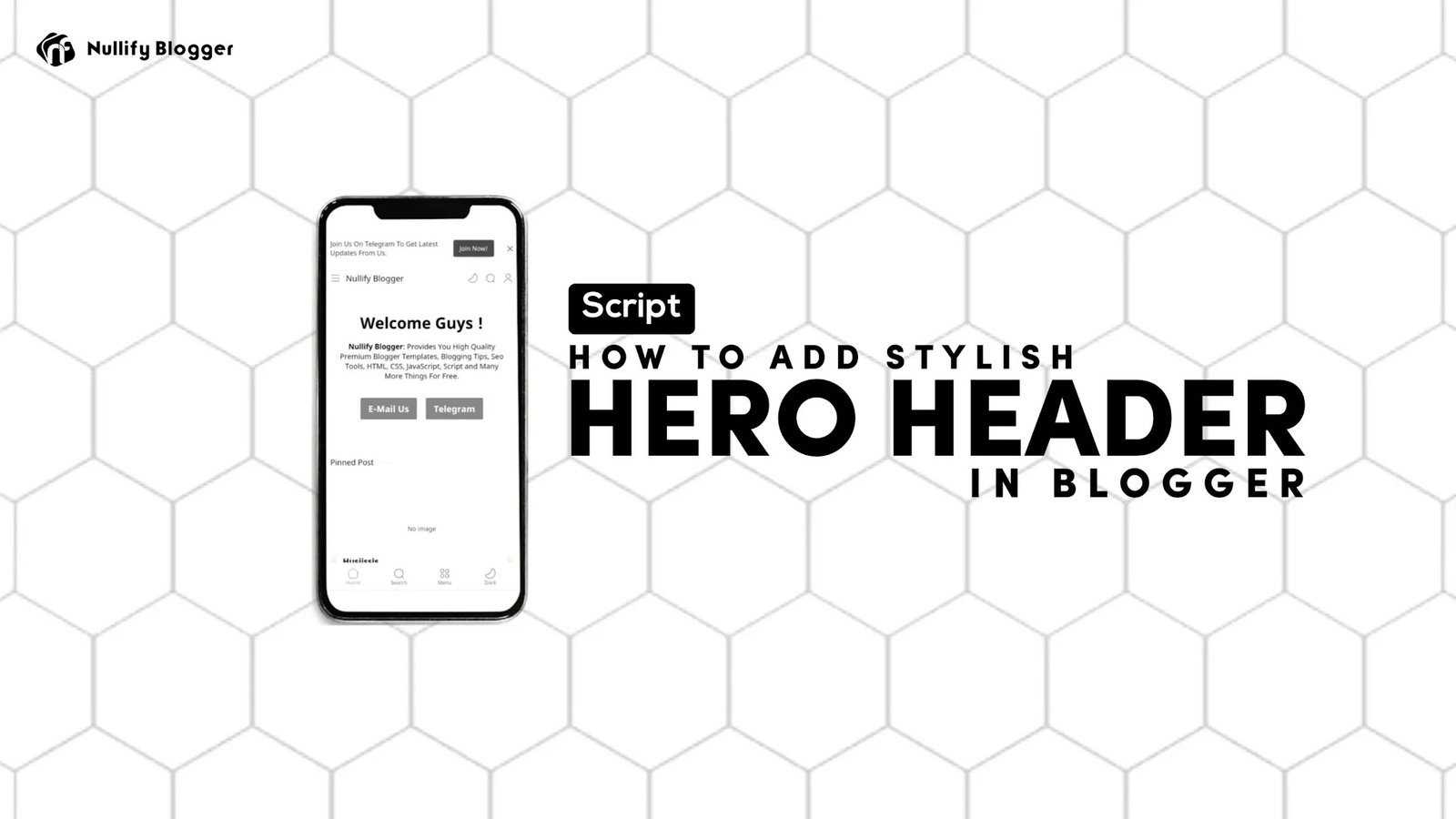
This is an element that’s will show on your blogger website homepage below title section & give attractive look to your blogger homepage. So that users will remember your website.This is responsive header so it will adjust all size’s Devices & resize that’s size as that device.
Advantage & Disadvantage Of Adding Hero Header In Your Blogger?
Advantage – It will give premium look to your blogger homepage & also it will adjust all size’s Devices & resize that’s size as that device.
Disadvantage – This will affect the speed of your website. After adding this your website speed will be slightly slower than before but not too slow and don’t effect on Seo & anything.
How To Add Stylish & Responsive Hero Header In Your Blogger?
If you want to add a stylish hero header in your blogger website the follow our below give steps carefully. This will take only a few minutes for adding this.
Follow Below Given Steps.
Note:
Before Doing This Steps Please Take A Backup Of Your Template.
1. Login To Your Blogger.com Dashboard.
2. Go To Blogger Menu > Layout Section.
3. Find Header Widget & Click On “Add A Gadget“.
4. Copy Below Given Script & Paste There.
t;div class='nf-hero'>
<div class='nf-hero-items'>
<center><h2>Welcome Guys !</h2>
<p><b>Nullify Blogger</b>: Provides You High Quality Premium Blogger Templates, Blogging Tips, Seo Tools, HTML, CSS, JavaScript, Script and Many More Things For Free.</p></center>
<div class='butto'>
<button id='full'>
<a href="mailto:yourmail@gmail.com"><span style="color: white;">E-Mail Us</span></a></button>

<button id='outline'>
<a href="https://telegram.me/nullifyblogger"><span style="color: white;">Telegram</span></a></button></div>
</div>

<style>

.nf-hero {
background-color: inherit;
}
.nf-hero-items {
display: flex;
padding: 1rem 0;
flex-direction: column;
align-items: center;
text-align: center;
margin: 0 1rem;
}
.nf-hero-items h2 {
font-size: 50px;
font-weight: 800;
}
.nf-hero p {
font-size: 17px;
font-weight: 500;
margin: 1rem 0;
}
.nf-hero button{
padding: 1rem 4rem;
font-size: 17px;
font-weight: 600;
color: #fff;
border-radius: 3px;
transition: all 0.2s ease-in;
margin: 1rem 0;
border-color: #7E7E7E;
style="color: white;
}
.nf-hero button:hover{
cursor: pointer;
background: rgb(126, 126, 126);
transition: all 0.2s ease-in;
}
.butto{
display: flex;
gap: 1rem;
}
#full{
border: 1px solid rgb(255, 255, 255);
background: rgb(0, 176, 255);
}
#full:hover{
background: rgb(126, 126, 126);
color: #fff;
}
#outline{
background: rgb(0, 176, 255);
border: 1px solid rgb(255, 255, 255);
color: inherit;
}
#outline:hover{
background: rgb(126, 126, 126);
color: #fff;
}
@media(max-width: 780px){
.nf-hero h2{
font-size: 50px;
width: 100%;
}
}
@media(max-width: 400px){
.nf-hero-items{
align-items: center;
text-align: center;
}
.nf-hero h2{
font-size: 30px;
}
.nf-hero p{
font-size: 14px;
}
.nf-hero button{
padding: 9px 15px;
}
}
</style>
5. Now Change Title, Url, Description As You Want.
6. Then Click On Save Button & Chek Your Website.
You have successfully created a stylish hero header in your blogger. You can also remove it anytime from your blogger through layout section.
Conclusion:
In this post I have told about how can you add a stylish hero header in your blogger like WordPress. So if you liked this post & enjoyed this post please share it & support us. Is you have any questions & suggestions please comment us. Thanks for visiting our website.
You must be logged in to post a comment.